Operations Intelligence · Real Estate
What Is a Real Estate Sales Dashboard? A Gulf Developer Guide
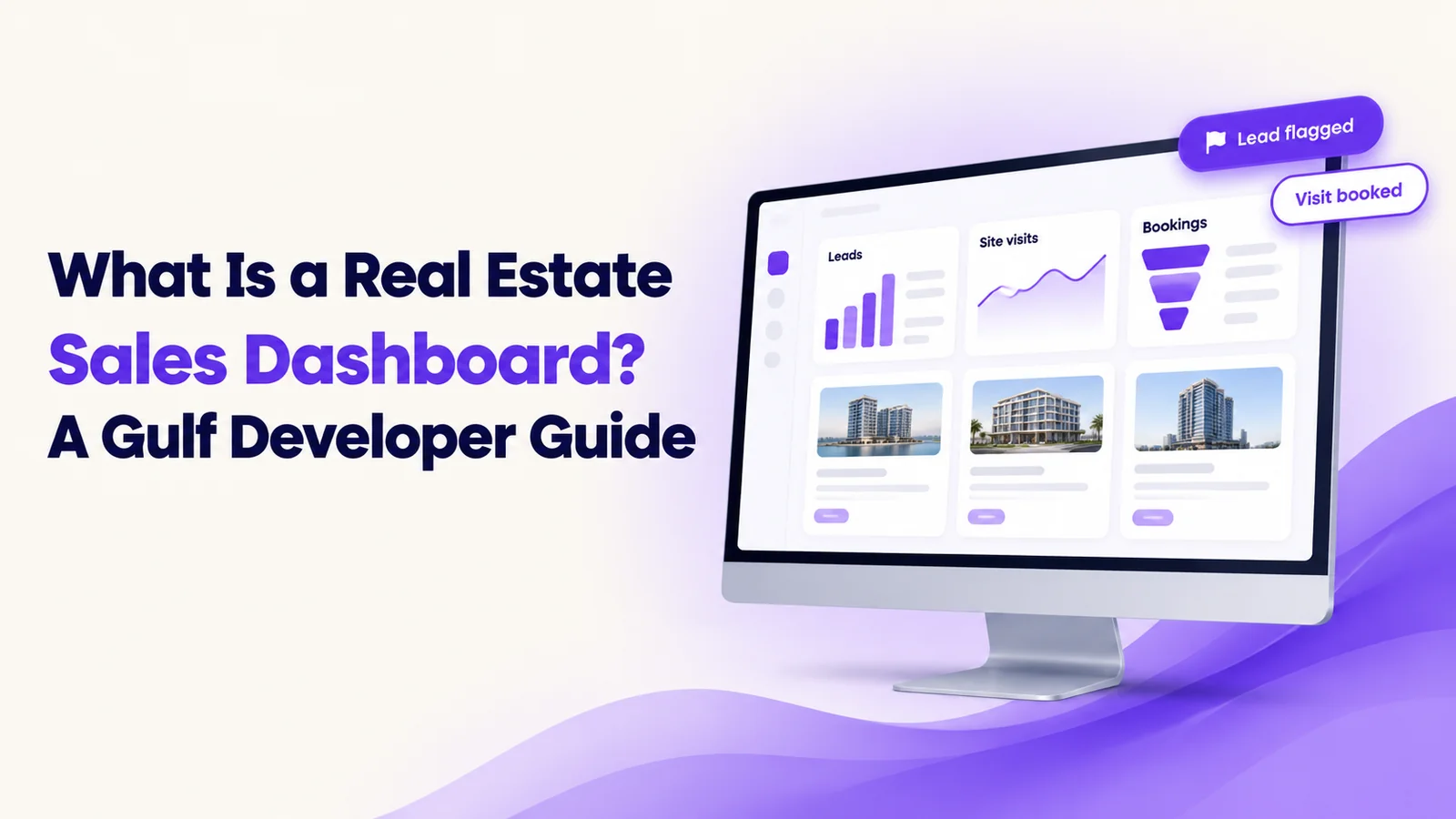
A real estate sales dashboard is one live screen that pulls leads, follow-ups, site visits and bookings from your CRM, ad accounts and call logs, and shows them by project, source and salesperson. It shows which sources bring real buyers and which leads nobody has called, so managers act the same day.
It is late evening in Dubai. A buyer enquires about a villa on a property portal. Another taps an Instagram ad and lands on WhatsApp. A third visits the sales gallery and is typed into a spreadsheet. The next morning, the marketing head asks which source brings real buyers. Nobody can say.
Why do property leads get lost across portals, ads and WhatsApp?
Developers and brokerages in the UAE and Saudi Arabia run several projects at once. Leads arrive from ads, portals, WhatsApp, calls and walk-ins, and each lands in a different place.
- Scattered records. Portals, ad accounts, spreadsheets and chat apps each hold part of the story.
- Unclear sources. Budget follows form fills, not buyers.
- Silent delays. A lead nobody calls appears in no report.
What does a good real estate sales dashboard show?
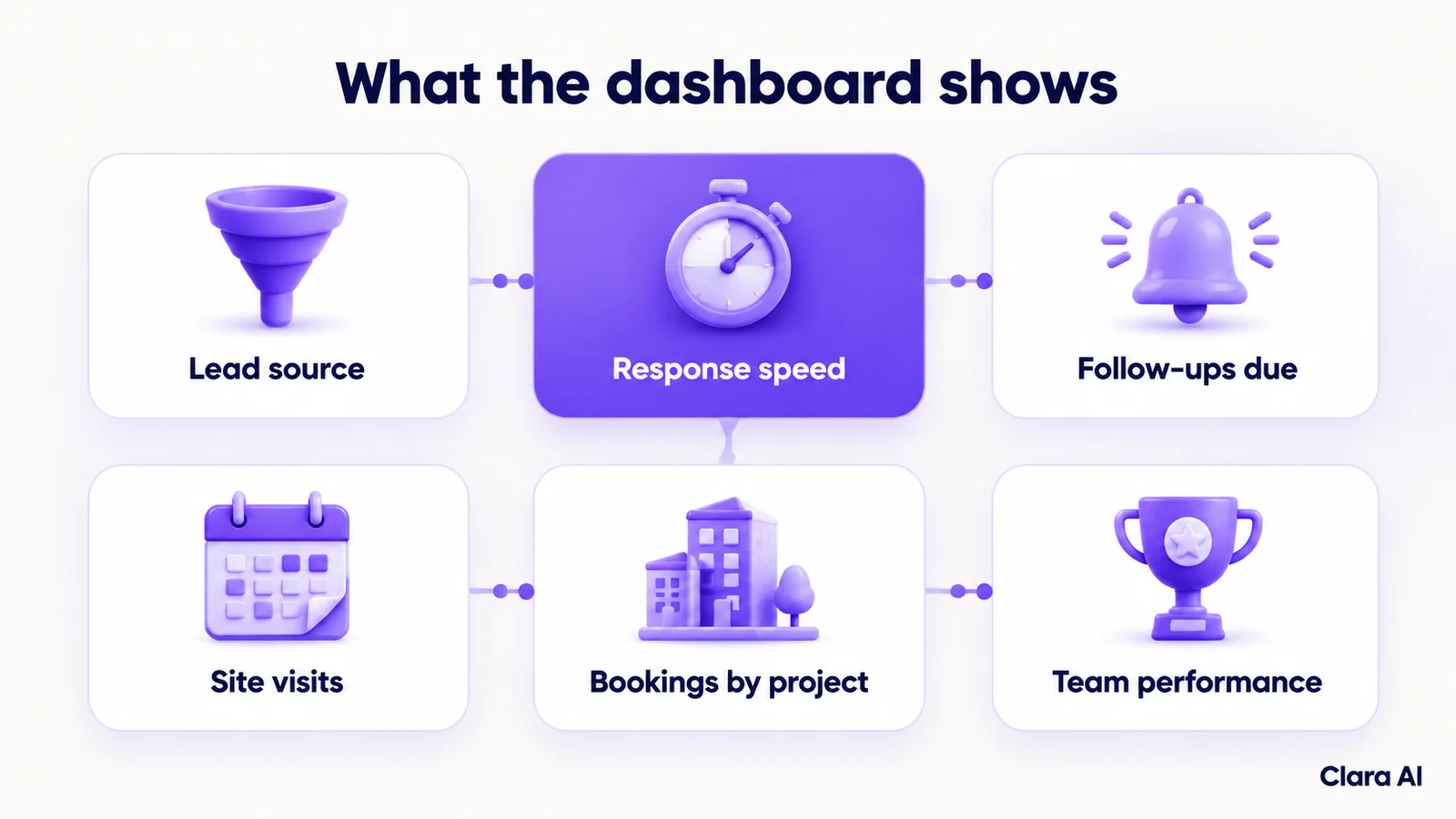
A good dashboard answers the questions a sales head asks every morning, and it can be filtered by project, source and salesperson.
- Lead source: where leads come from, and which sources lead to visits and bookings.
- Response speed: how quickly each new lead received a first call or message.
- Follow-up status: which follow-ups are due, done or overdue.
- Site visits: visits booked, kept and missed.
- Bookings by project: how each project is converting.
- Team performance: follow-up activity by salesperson, so managers can coach.
How is it different from a spreadsheet or a CRM report?
A spreadsheet is typed by hand and a CRM report shows only what is in the CRM. A live dashboard joins several sources and updates as work happens.
| Spreadsheet | CRM report | Live sales dashboard | |
|---|---|---|---|
| Data sources | One, typed in | The CRM only | CRM, ad accounts and call logs together |
| Freshness | As current as the last edit | Run on request | Updates continuously |
| Source and campaign view | Manual matching | Limited to what the CRM captures | Source and project side by side |
| Slow follow-ups flagged | No | Rarely | Yes, through response-time rules |
| Upkeep | High, by hand | Moderate | Low once built |
Your CRM stays in place. The dashboard sits on top of it.
How can response-time rules flag leads nobody has called?
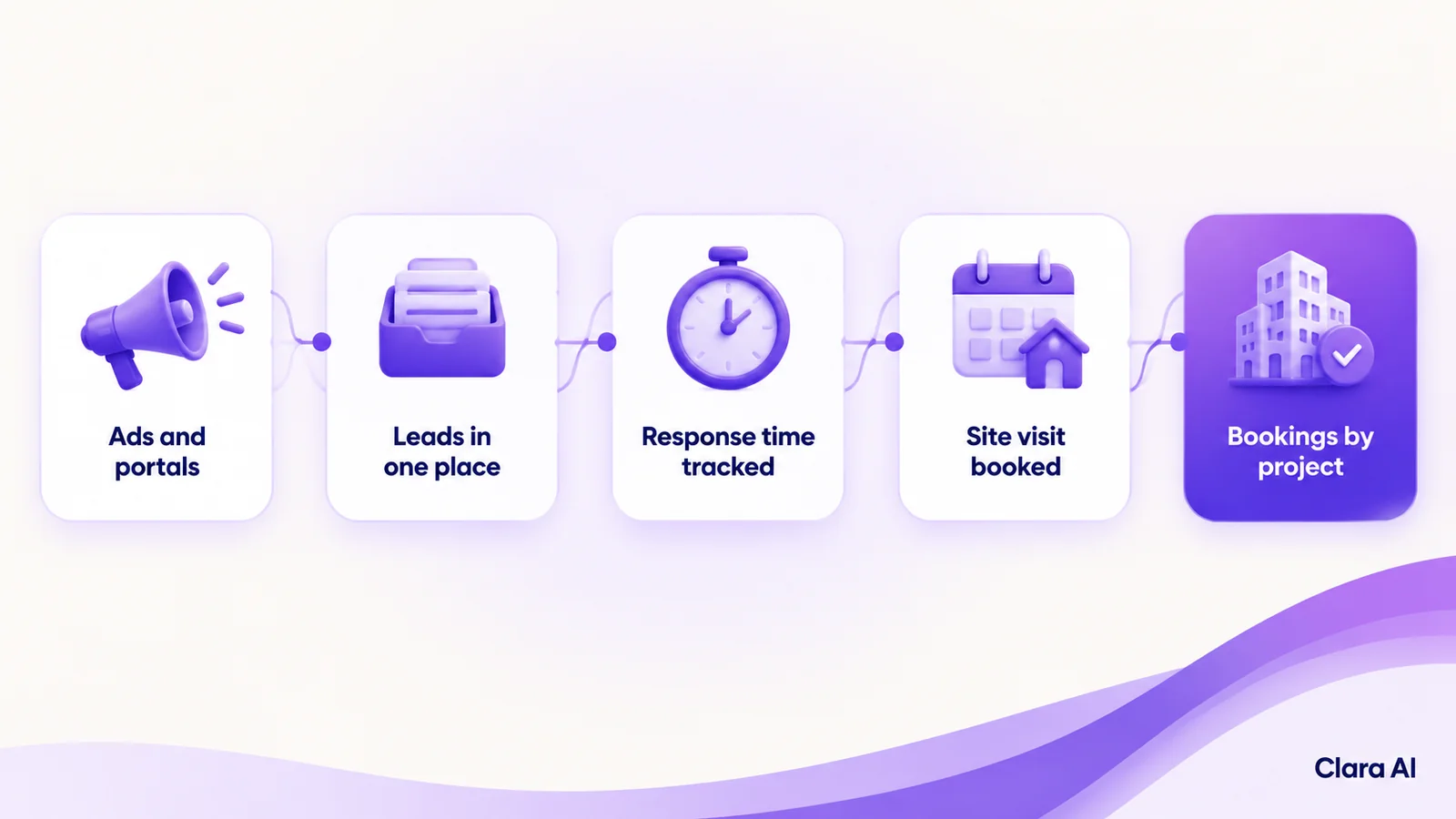
Your sales head agrees a target for the first contact on each type of lead. The dashboard checks every new lead against it. When a lead passes the target without a call or message, it is flagged and an alert goes to a named person. Over time, the same data shows which sources, projects or shifts are slowest. A response-time rule only flags. People decide what to do next.
Where does a human stay in the loop?
The dashboard shows where to look. Managers and salespeople act. Team views are agreed with your sales head and are meant for coaching, not for ranking people. Access follows the role: a salesperson sees their own leads, a project head sees a project and leadership sees all. In Saudi Arabia, the Personal Data Protection Law (PDPL) governs personal data, so we limit who sees customer details and review that setting with you.
Where do an AI calling agent and a chatbot fit?
A dashboard is only as honest as the data behind it. If first contact is slow, it shows form fills, not conversations. An AI calling agent can phone new enquiries within minutes. A WhatsApp chatbot can reply at once to ad clicks. Both write each conversation to the same record, so the dashboard shows real conversations and where each lead stands.
Clara AI's chatbots and calling agents work in Arabic, English and Hindi.
How have developers used this?
Clara AI built a CRM and ads dashboard for Arihant Spaces, a real estate developer. It tracks leads across the developer's projects, with a response-time (SLA) rule engine that flags slow follow-ups. Clara AI also runs a presales calling agent for Rustomjee, another real estate developer. We don't publish client results here. See our client work.
How Clara AI gets it built
Clara AI builds, deploys and manages operations intelligence dashboards in six steps. For the retail version of the idea, see our guide to an operations intelligence dashboard for multi-branch retail.
- Diagnose how leads are tracked today. We map the sources, the CRM, the spreadsheets and who follows up. We measure the baseline: first-response time and overdue follow-ups.
- Collect your material. You share sample exports from your CRM, ad accounts and call logs. Clara AI delivers a first demo within 7 days of receiving your material.
- Agree the measures and rules. Your sales head chooses the numbers that matter and the response-time targets.
- Build on your real data. Every figure is checked against numbers your team already trusts.
- Run beside your team. The dashboard runs alongside current reports until managers rely on it.
- Keep managing and improving. We fix data issues, adjust rules and add measures as projects change.
Questions developers ask about sales dashboards
How much does a real estate sales dashboard cost?
Cost depends on the number of data sources, projects and measures you want. Clara AI sets the scope after a diagnosis and then shares a clear proposal.
How long does it take to go live?
Go-live depends on the number of sources, the quality of the data and how quickly your team agrees the measures and rules. Clara AI confirms a timeline after diagnosis, based on your actual material.
Which systems can it connect to?
Typically your CRM, ad accounts, call logs and the lead feeds from your property portals. The exact list is confirmed during diagnosis.
Do we need to replace our CRM?
No. The dashboard reads from your CRM and other sources. It adds a combined view and does not replace the system your team uses.